Login and account access at Celsius Casino

Celsius Casino

Securing your Celsius Casino account begins with logging in safely. Here you will find instructions for setting a strong password, recovering lost login details and resolving common access problems.

18+

Log in

Secure login

Celsius Casino provides access via multiple platforms to suit your preference. You can log in directly via instant play in your web browser, or optimise your experience with the mobile web version that works on all devices. For users who prefer apps, native versions are available for iOS and Android, so you can play whenever you want and wherever you want.

The login process is designed for security and ease. When creating your account, you select a strong password and verification method. Make sure your login details remain private and do not use shared devices for sensitive transactions. Celsius Casino supports multiple languages, including Spanish, English, German and French, so you can communicate in your preferred language.

If you have questions about your account or experience login problems, the support team is available via email at [email protected] or via live chat. They can assist you with account verification, password recovery and technical support. Always contact the official support channel for security advice.

Protect your account by regularly updating your password and not sharing personal information via email. Always verify you are using the official website before logging in and avoid clicking links from uncontrolled sources.

Access via the mobile application

Celsius Casino offers mobile access through native applications for iOS and Android devices, as well as an optimised web version for mobile browsers. These options allow you to play from any device without needing to download additional software if you prefer the web version.

Mobile applications are available in the official stores for each platform. Before downloading any application, verify that it comes from the official source to ensure security and correct operation. The mobile web version works directly from the browser with no installation.

When logging into the application or mobile version, use the same credentials as your desktop account. Make sure you keep your device updated and your connection secure. If you encounter problems with downloading or accessing, the support team is available by email and live chat to help you.

The mobile experience is designed to make access convenient while you are away from home. Remember to review the platform's privacy policy and terms of service before using any version, whether application or web.

Two-factor authentication and account security

Two-factor authentication adds an extra layer of protection to your account. After entering your password, you will be asked for additional verification, such as a code sent to your email or phone. This extra step makes it significantly harder for unauthorised access to compromise your account, even if someone obtains your password.

To keep your account secure, use unique and complex passwords that combine uppercase, lowercase, numbers and symbols. Avoid predictable personal information and never share your credentials. Change your password regularly and check your account for suspicious activity or unauthorised access attempts.

If you use shared devices, always log out after playing. Modern browsers store session data that other users could access. On personal devices, you can use secure remember options, but on public computers keep these options disabled to protect your information.

If you suspect your account has been compromised or detect unauthorised transactions, contact the support team immediately. They respond quickly to verify your identity and take protective measures. Saving security contact information helps you resolve access problems more quickly.
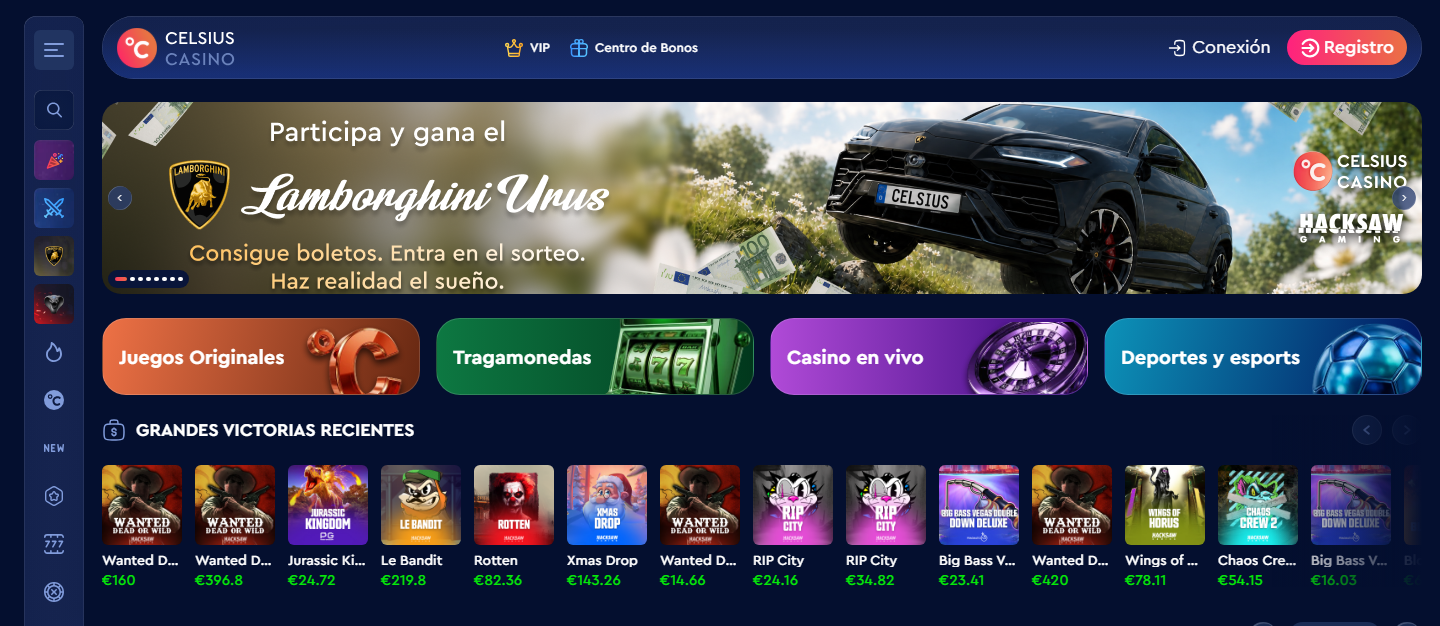
What you should know about your account access

Celsius Casino provides access via multiple platforms for greater convenience. You can access via mobile web version, the native iOS or Android application, or play instantly with no downloads. Your access credentials work across all these channels, allowing you to switch devices without limitations.

Before logging in, make sure you have valid credentials and a secure connection. If you experience access problems, remember that support is available by email and live chat. These channels can help you resolve access difficulties quickly.

Your security is important. Protect your password, do not share it with third parties and log out after each use, especially on shared devices. Regularly review your account activity to detect unauthorised access.

Celsius Casino offers consistent experiences across all your devices. Whether you prefer to play on your phone, tablet or computer, the platform keeps your preferences and balance synchronised. This allows you to continue exactly where you left off.

  • Access available on web browser, iOS application, Android application and instant play platform
  • The same credentials work across all devices and platforms
  • Technical support available by email and live chat for access issues
  • Log out after each use to protect your account
  • Your account activity is automatically synchronised across devices

Forgotten password

If you have forgotten your password on Celsius Casino, you can recover it through the standard reset process available on the platform. Access the login page and look for the option to recover your password. The procedure will allow you to verify your identity and create a new password securely. Make sure to use a strong and unique password that you have not used on other accounts.

Celsius Casino offers support available by email at [email protected] and through live chat if you need additional help during the recovery process. Support agents can assist you in verifying your account and ensure you can access again securely. It is recommended to have the data associated with your account on hand to speed up assistance.

When creating your new password, consider using a combination of uppercase letters, lowercase letters, numbers and symbols. Avoid personal information such as dates of birth or names that are easy to guess. Store your password in a safe place or use a password manager for future reference. If you experience technical problems during this process, the support team is available to help you.

Access Celsius Casino from any compatible device, including mobile applications for iOS and Android, as well as from web browser. Once you have recovered your access, you can manage your account security from the personal settings section to establish additional protection measures according to your preferences.

Account lock and recovery

Protecting your account is essential to keep your personal information and funds secure. If you experience failed access attempts or suspect unauthorised activity, the platform may temporarily lock your account as a security measure.

Before trying to access again, verify that you are using the correct credentials. If you have forgotten your password, look for the option to reset it on the login page. The process typically requires you to confirm your identity through the email associated with your account.

If the lock persists or you cannot recover access through password reset, the support team is available to help you. You can contact them through the support channels available on the platform. Prepare information about your account to verify your identity securely during the recovery process.

It is recommended to use unique and secure passwords, enable two-factor authentication if available, and regularly check your account activity. These additional steps significantly reduce the risk of unauthorised access and facilitate recovery if any issues arise.

FAQ

Can I change my email address after I have created my account?

This depends on the settings of Celsius Casino. Contact support for help changing your email address.

How long is my password recovery link valid for?

Recovery links generally have a limited validity period for security reasons. If your link has expired, request a new email message.

What should I do if I do not receive a password recovery email?

Check your spam folder and verify that you entered the correct email address. If you still do not receive the recovery message, use a verified support channel.

Can I take over someone else's account?

Only manage your own account. Do not share your login details and do not use anyone else's account.

Is Celsius Casino safe for logging in on public WiFi?

Public WiFi networks are less secure. Use a trusted private network where possible and avoid managing money on public WiFi.

Responsible Gambling